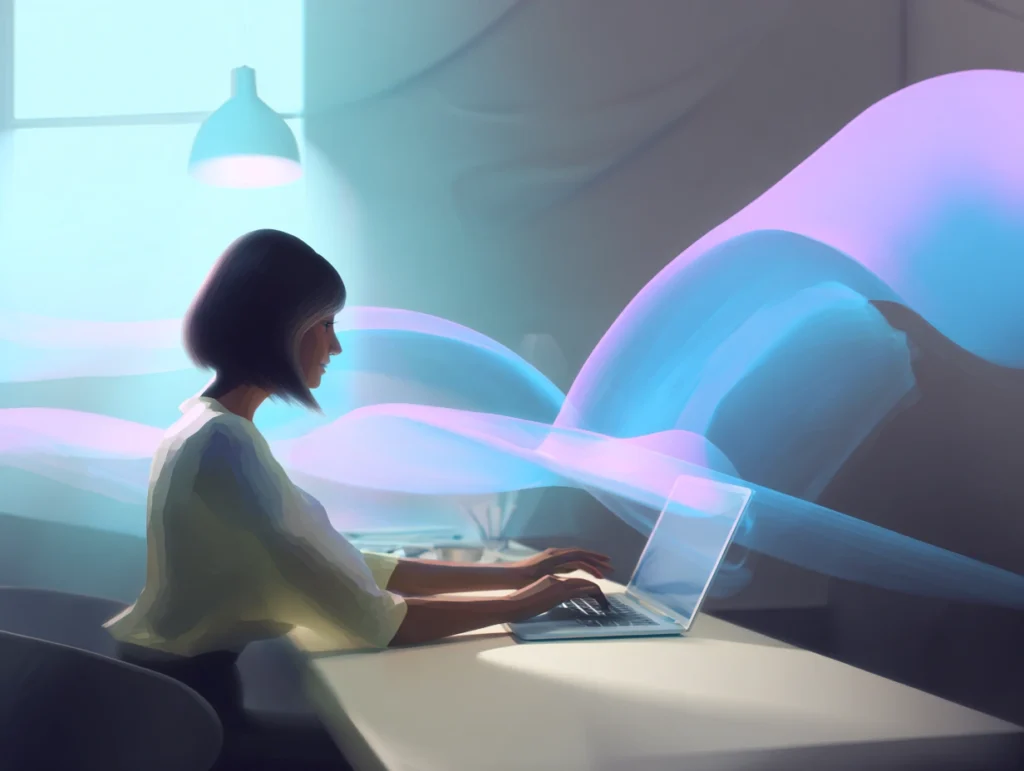
What used to take a designer half a day now takes anyone thirty seconds. No design skills, no software, no stock photo subscription — just describe what you want, and AI turns it into a visual. That shift is happening fast, and the tools have never been easier to use.
Whether you’re a marketer putting together a campaign, a small business owner who needs content, or working with a digital design agency to build your brand — this guide breaks down the best AI image tools available today, what makes each one different, and how to write prompts that actually get you results.
Why you should use AI-Generated image?
AI image generation isn’t just a trend — it’s a genuine time-saver for anyone who needs visuals regularly. Here’s why more people are building it into their routine:
- Faster output: Generate concept visuals in minutes instead of hours. No waiting on designers or trawling stock photo sites.
- Creative exploration: Test multiple visual directions before committing to one — great for mood boards, social content or even, infographics.
- No design background needed: With the right tool and a clear description, anyone can produce professional-looking visuals from scratch. (Though if you need something more polished, our design team is always here.)
- Easy A/B testing: Generate several versions of an image and see which resonates before investing in a polished final version.
- Accessible for small teams: Solo operators and small businesses can produce consistent visual content without outsourcing every asset.
Popular AI Tools to Generate Images
There are many tools out there catering to different needs and styles. Here are some of the most used ones today:
Adobe Firefly is built for people already working in the Adobe ecosystem — think Photoshop, Illustrator, and Premiere Pro. Its biggest selling point is that every image it generates is cleared for commercial use, which matters if you’re producing work for clients or brands.
A significant update in January 2026 bumped output resolution to 2K (2048×2048 pixels), addressing one of its long-standing limitations.
Pros
- Integrates directly into Photoshop, Illustrator, and other Adobe tools — no workflow disruption
- Outputs are legally cleared for commercial use, with Adobe providing copyright indemnification for enterprise users
- Straightforward to use if you’re already familiar with Adobe products
Limitations
- Less visually expressive than tools like Midjourney — outputs can feel safer but less striking
- Limited range in abstract or highly experimental styles
- Best value only if you’re already paying for Adobe Creative Cloud
Best for: Designers and creative teams already in the Adobe ecosystem who need commercially safe assets.
Pricing: Included in Adobe Creative Cloud plans; free credits available, with additional credits on paid tiers.
OpenAI’s image generator has come a long way. Now operating as GPT Image within ChatGPT, it’s one of the most accessible tools available — especially if you’re already using ChatGPT for other tasks. One area where it has clearly pulled ahead of competitors is text rendering: it now handles legible text in images with approximately 95% accuracy, making it the go-to choice for anything that needs words, labels, or captions baked into the visual.
Pros
- Seamlessly integrated into ChatGPT — no extra accounts or apps needed
- Conversational prompting feels natural; you can refine images by chatting
- Best-in-class text rendering — readable words, signs, and labels in images
- Inpainting feature lets you edit specific areas of an existing image
Limitations
- Can struggle with complex spatial arrangements (e.g. multiple overlapping subjects)
- Outputs have a recognisable, slightly clean aesthetic that may feel generic for creative work
- Rate limits apply; high-resolution downloads require a paid plan
Best for: Existing ChatGPT users who want image generation without switching tools — especially for images that need readable text.
Pricing: Included with ChatGPT Plus ($20/month); limited free usage available.
Envato Elements AI is aimed squarely at content creators and marketers who need volume. What sets it apart is that AI image generation sits alongside a huge library of existing design templates, fonts, and graphics — all under one subscription. If you produce a lot of marketing content and want everything in one place, it’s a practical option.
Pros
- Combines AI image generation with a broad library of existing design assets
- Good for quick mockups and social media content
- Suited to high-volume content production
Limitations
- Subscription-based — not cost-effective for occasional use
- Less creative control compared to dedicated image generators
- Weaker performance on abstract or complex prompts
Best for: Social media managers and content marketers who need design assets and AI images under a single subscription.
Pricing: Subscription-based, starting from around $16.50/month.
Midjourney is widely regarded as the benchmark for image quality. Its outputs are consistently striking — cinematic, detailed, and stylistically rich in a way that other tools rarely match. It originally ran entirely through Discord, but now has a full web app at midjourney.com, making it far more accessible than older reviews suggest. It’s currently on V7 as its default model, with V8 Alpha available in preview.
If you’re building campaign visuals or brand imagery, this is the tool most professionals point to first.
Pros
- Produces the highest quality, most visually distinctive outputs of any mainstream tool
- Works across a huge range of styles — cinematic, painterly, surreal, photorealistic
- Even simple prompts return polished results; more detailed prompts reward the effort
- Full web app now available — no Discord required
- Supports image references to guide style and composition
- Fast iteration: generate variations quickly without starting over
Limitations
- No free plan — subscription required to generate images
- Precise placement of specific objects can still be difficult to control
- Steeper learning curve than simpler tools if you want to unlock advanced features
Best for: Anyone who prioritises image quality — designers, marketers, content creators producing campaign visuals, concept art, or brand imagery.
Pricing: From $10/month (Basic); $30/month for Standard.
Envato Elements AI is aimed squarely at content creators and marketers who need volume. What sets it apart is that AI image generation sits alongside a huge library of existing design templates, fonts, and graphics — all under one subscription. If you produce a lot of marketing content and want everything in one place, it’s a practical option.
Pros
- Combines AI image generation with a broad library of existing design assets
- Good for quick mockups and social media content
- Suited to high-volume content production
Limitations
- Subscription-based — not cost-effective for occasional use
- Less creative control compared to dedicated image generators
- Weaker performance on abstract or complex prompts
Best for: Social media managers and content marketers who need design assets and AI images under a single subscription.
Pricing: Subscription-based, starting from around $16.50/month.
Which Tool Is Right for You?
| You are… | Best tool |
|---|---|
| A beginner who wants something simple | NanoBanana or Google Imagen 4 |
| Already using ChatGPT | DALL·E / GPT Image |
| Already in the Adobe ecosystem | Adobe Firefly |
| A content marketer needing volume + assets | Envato Elements AI |
| Someone who prioritises image quality | Midjourney |
How to Write Better Prompts?
1. Be specific about the subject
Vague prompts produce generic images. The more detail you include, the more control you have over the result.
- Don’t: “a dog in a park”
- Do’s: “A golden retriever sitting on a picnic blanket in a sunny park with cherry blossoms in the background, watercolour illustration style”
2. Include a style or medium
Naming a visual style anchors the output in a clear direction.
- Don’t: “a portrait of a woman”
- Do’s: “A portrait of a woman in her 40s, digital oil painting, warm tones, impressionist style with visible brushwork”
3. Use camera angles and composition terms
“Think like a photographer.” These terms are widely understood by most AI tools — and if the image is going onto a website, it’s worth understanding web display safe zones too before you finalise your output dimensions.
4. Specify lighting and mood
Lighting changes everything. A single word here can completely shift the feel of the output.
- Don’t: “a café interior”
- Do’s: “A cosy café interior, golden hour light streaming through large windows, soft warm shadows, editorial photography style”
5. Iterate rather than restart
Rarely is the first result exactly what you want — and that’s fine. Treat it as a draft. Make one or two targeted changes rather than rewriting the whole prompt from scratch.
Final Thoughts
AI image generation has made visual creation accessible to anyone with an idea. Whether you’re testing an ad concept, building a pitch deck, or exploring what these tools can do, there’s an option on this list that fits your workflow and skill level.
Once you’ve got your visuals sorted, you’ll want a solid content management system to publish and organise them effectively.”
If you’re looking to take your visuals further — with a fully considered web design or a complete digital presence behind them — feel free to reach out to us. We’d love to help.