The internet is always evolving and so are the CSS frameworks that power front-end development. But with so many CSS frameworks out there nowadays, how do we know for sure what’s the right CSS framework to work with?
Let us go through with you what we think are the best CSS frameworks in the market so that you can choose the right one that best fits your front-end development needs.
Why The Need For CSS Frameworks?
Before we begin, it’s really important to understand why CSS frameworks are a crucial component of modern front end development.
Ready-made CSS frameworks lets you apply pre-defined styling rules to your HTML elements. That means unlike traditional CSS stylesheets, CSS frameworks are much easier to organize and work with as you can reuse those same rules over and over again. This pre-defined structure behind frameworks helps to maintain consistency across your website and applications. It can also drastically cut down on the time needed to create your applications and websites.
By using any of these frameworks, you’ll be able to save time and effort on your CSS coding.
So to summarize the benefits of using a CSS framework:
- Easier to work with
- Save time and effort
- Organised structure
- Consistent styling
So What Are Some Of The Best CSS Frameworks?
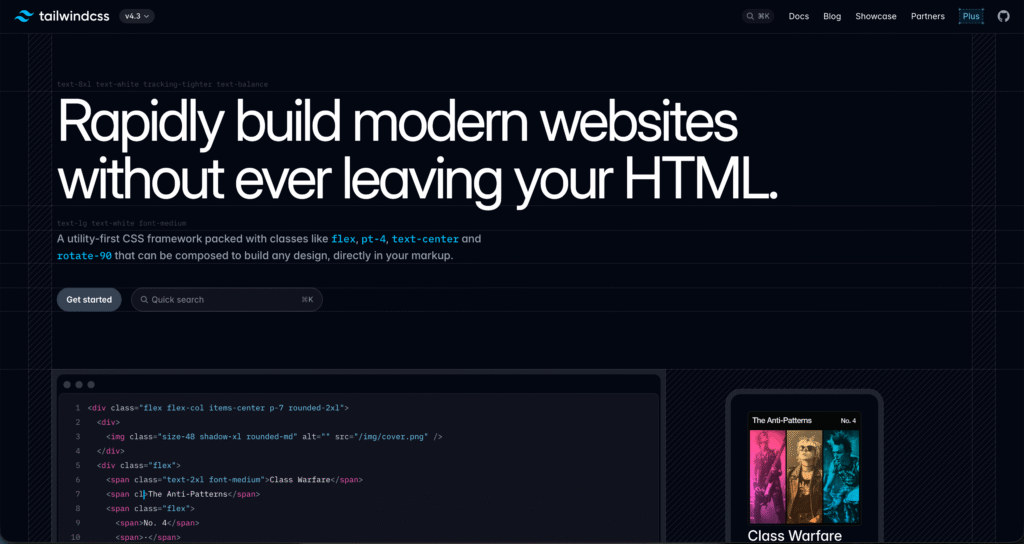
Tailwind CSS has rapidly become the most popular CSS framework in modern front end development. Created by Adam Wathan and first released in 2017, Tailwind takes a different approach from traditional frameworks — instead of shipping ready-made components like buttons and cards, it provides a comprehensive set of utility classes that you compose directly in your HTML.
This utility-first methodology gives developers fine-grained control over styling without writing custom CSS, while still keeping things consistent through a configurable design system. Tailwind has consistently ranked as the most used and most loved CSS framework in the annual State of CSS survey over the past several years, and it pairs exceptionally well with modern JavaScript frameworks like React, Vue, and Next.js — which is why it now powers a large share of newly built sites and applications.
Pros of Tailwind CSS
- Utility-first workflow: Tailwind lets you style elements directly in your markup using utility classes like
flex,pt-4, ortext-center, which dramatically speeds up development once you’re familiar with the syntax. - Highly customizable: A single
tailwind.config.jsfile lets you define your own design tokens — colors, spacing, breakpoints, fonts — making it easy to build a unique, brand-aligned design system without fighting the framework. - Tiny production builds: Tailwind automatically removes unused styles during the build, so your final CSS bundle is often just a few kilobytes.
- Strong ecosystem: Tailwind has a rich ecosystem of plugins, official UI libraries (Tailwind UI, Headless UI), and popular community collections like shadcn/ui and DaisyUI.
- First-class responsive and dark mode support: Built-in modifiers like
md:,lg:, anddark:make responsive and dark mode design straightforward out of the box. - No more naming things: You skip the usual struggle of inventing semantic class names like
.card-header-wrapper-inner— the utility classes do the heavy lifting.
Cons of Tailwind CSS
- Verbose HTML: Class lists can get long and visually cluttered, especially on complex components.
- Learning curve for utility names: While the naming is logical, beginners need time to internalise the utility classes before they’re truly productive.
- Requires a build step: Tailwind needs to be compiled (via PostCSS, Vite, or its CLI), which adds some tooling overhead to small or static projects.
- Not a true “drop-in” framework: Unlike Bootstrap, you don’t get fully styled buttons or cards out of the box — you assemble them yourself, which means more upfront design decisions.
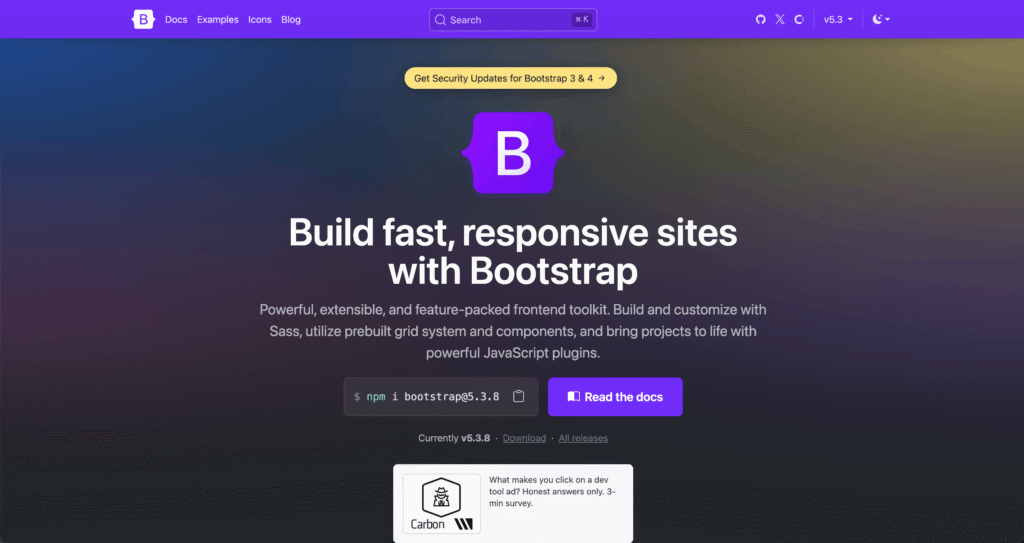
Bootstrap is one of the most widely deployed CSS frameworks on the web, powering an estimated 19–20% of all tracked websites according to W3Techs. Originally created at Twitter in 2011 and now maintained as an independent open-source project, Bootstrap has evolved significantly over the years — the current stable release is Bootstrap 5.3.x, which dropped jQuery, embraced CSS custom properties, and introduced built-in dark mode support.
Bootstrap remains the framework of choice for rapid prototyping, internal tools, admin dashboards, and enterprise projects where speed to a functional UI matters more than design uniqueness. Its 12-column grid system, comprehensive component library, and decade of documentation make it the fastest path from zero to a working interface.
Pros of Bootstrap
- Ready-to-use components out of the box: Bootstrap ships with pre-styled buttons, forms, modals, navbars, carousels, and dozens of other UI patterns. Unlike utility-first frameworks, you can drop a Bootstrap class on an element and get a polished result immediately.
- Battle-tested and stable: With over a decade of real-world usage across millions of sites, Bootstrap’s components and grid are exceptionally well-tested across browsers and devices.
- Excellent documentation and community: Few frameworks match Bootstrap’s documentation depth, accessibility guidelines, and tutorial ecosystem. Hiring developers familiar with Bootstrap is also easy.
- Modern features in v5: No jQuery dependency, CSS variables for theming, native dark mode, improved accessibility (WCAG 2.2 alignment), and a lighter footprint compared to earlier versions.
- Themeable: Color modes, dark mode, and a comprehensive set of Sass variables let you adjust brand colors and typography without fighting the framework.
Cons of Bootstrap
- Recognisable “Bootstrap look”: Without significant customisation, sites built with Bootstrap tend to share a visual signature, which can feel generic for brand-led projects.
- Heavier bundle: Around 16 KB gzipped CSS, compared to roughly 10 KB for a typical Tailwind build. Not dramatic, but it adds up on performance-critical sites.
- Component structure can constrain custom designs: Changing spacing, layout patterns, or component behaviour often requires overriding Bootstrap defaults with custom CSS.
- Less flexible for modern JS frameworks: While Bootstrap works with React, Vue, and Next.js, it doesn’t integrate as naturally as utility-first frameworks like Tailwind. Component-level styling can feel like fighting the framework.
- Best for conventional UI patterns: If your design diverges significantly from standard component shapes (cards, navbars, modals), Bootstrap becomes less of a head-start and more of a constraint.
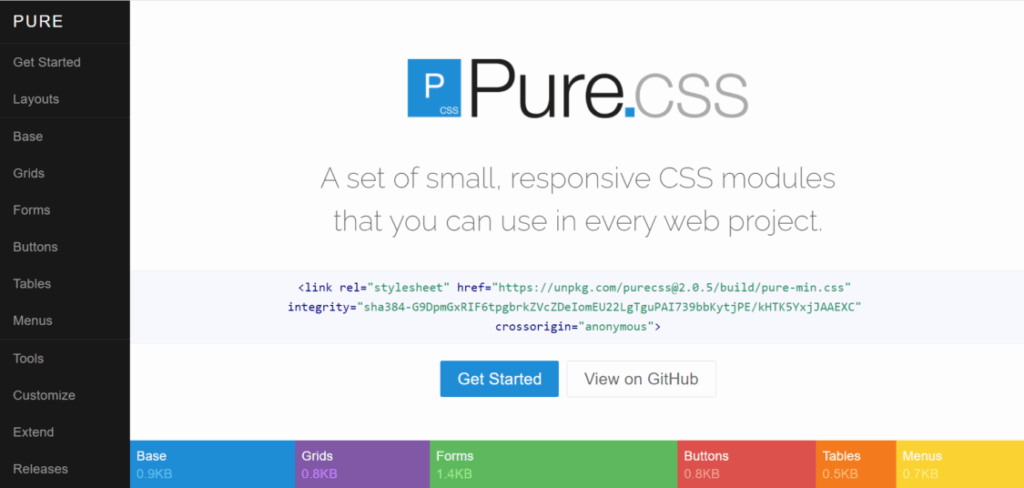
Developed by Yahoo back in 2014, Pure CSS has one of the most minimal footprint out of all CSS frameworks. The entire set of modules only takes up about 3.7KB when compressed, helping you save on bandwidth.
Crafted with mobile devices in mind, Pure CSS is highly responsive and provides many reusable CSS modules that easily adapts to any devices. It is relatively straightforward to pick up and its minimal style makes Pure customizable for any situations.
Pros of Pure CSS
- Customizable and flexible: Pure CSS’s minimal design makes it easy for users to override its default styles and layouts, making it super-easy to customize without any hassle.
- Small and lightweight: Its entire set of modules only uses only 3.8kb in size (minified).
- Ready-to-use components: Pure CSS also comes with pre-made components.
- Responsive design: Pure CSS uses a mobile-first and responsive grid system using grids-responsive.css.
Cons of Pure CSS
- Not beginner-friendly: Pure is less suited for beginners as it performs the best when customized by users.
- Limited resources: Compared to other frameworks, the development community for Pure CSS is much smaller, which also means less support and documentation.
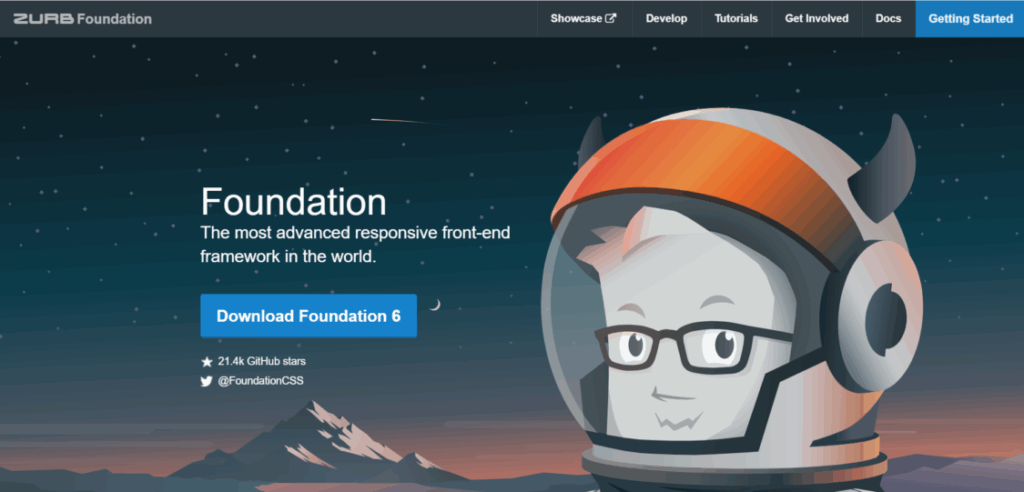
Foundation is created and maintained by ZURB, and is one of the more advanced front-end CSS framework in this list. With built-in HTML, CSS, SASS, and javascript, this framework is a class of front-end development tools for not just websites, but also other applications such as emails.
Foundation is an open source code that focuses on mobile-first responsive designs. And just like Bootstrap, Foundation has a similar grid system of 12 columns to work with.
Pros of Foundation
- Ready-to-use features and templates: Foundation boasts a robust selection of pre-built components for pretty much almost everything, along with some pre-made HTML templates that you can get started with.
- Built-in animations and transitions: Foundation can be paired with ZURB’s Motion UI library. This gives you access transitions and animations using built-in effects.
- Robust front-end tools Foundation is not just a CSS framework but a complete and dynamic front-end framework loaded with useful tools. This makes it ideal when creating large web applications.
- Well-documented and supported: Foundation has comprehensive documentation and video tutorials which can be found on the official ZURB Foundation website.
Cons of Foundation
- Steep learning curve: Foundation is much more complex than other frameworks. The large number of features, while flexible to work with, may easily overwhelm beginners.
- Large dependency size: Just like Bootstrap, the increase in page weight is a glaring drawback for Foundation.
- Reliance on Javascript: Most of Foundation’s features depend heavily on Javascript, using jQuery or Zepto. This makes it unsuitable for React and Angular projects.
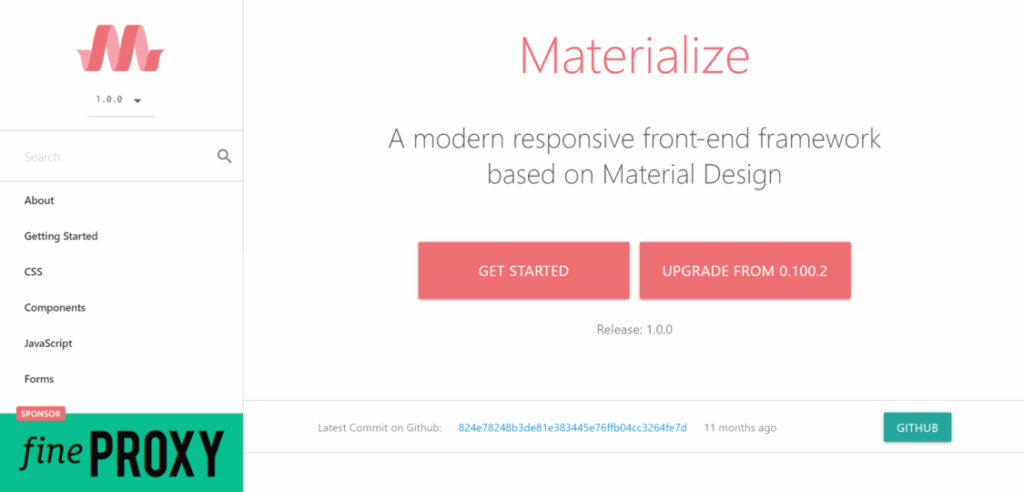
Materialize is another open source and responsive CSS framework that’s developed by Google back in 2014. Based on Google’s material design, Materialize boasts a large collection of ready-to-use UI-components with built-in animations and transitions. It is compatible with Sass and uses a responsive layout that’s based on Bootstrap’s 12-column grid format.
Well-documented, Materialize is easy to pick up and work with and has great community support.
Pros of Materialize
- Good UX design: Materialize emphasizes on user experience by utilizing the principles of material design.
- Built-in visual effects: Materialize has built-in animations and transitions as well as other elegant effects like lighting and shadows.
- Well-documented and supported: Materialize is well-documented which also makes it relatively easy to work with, even for beginners.
Cons of Materialize
- Strict design language: Materialize uses material design design language that’s developed and used by Google.
- Little corporate support: While Materialize may have an active community, it’s still remains a small and independent project.
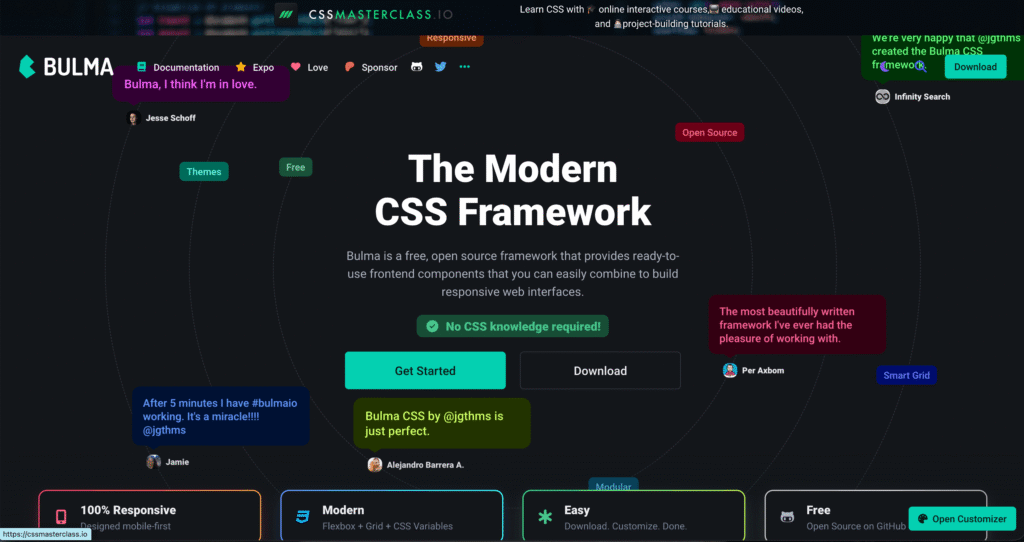
Bulma is another open source, mobile-first, and responsive CSS framework. Published in back in 2016, this pure CSS framework is all built-in HTML, SASS CSS prospector, and CSS flexbox. And this gives tons of flexibility when it comes to customization.
While it may not at Bootstrap’s level, Bulma is fairly popular with around 40k stars on github. With pre-made components, a similar grid system, and ease of use, Bulma is a great alternative to Bootstrap. It’s well-liked for its minimalist but unique aesthetic and its simple syntax.
Pros of Bulma
- Customizable and flexible: The modular elements of Bulma lets you use only what you need. Plus, most of its default properties can be easily customized using SASS.
- Ready-to-use components: Pure CSS also comes with pre-made components.
- Modern, flexbox-based responsive design: Like most frameworks, Pure CSS uses a mobile-first and responsive grid system. It is however, one of the first CSS frameworks to adopt CSS’ flexbox layout module.
- Purely CSS based: Unlike Bootstrap and Foundation, Bulma solely works with CSS and lacks any JavaScript elements in its framework. This CSS-only environment can easily be integrated with other Javascript frameworks, such as Vue or React.
- Lightweight: By omitting Javascript elements, Bulma provides a lightweight solution for development.
- Beginner-friendly: Bulma uses a simple syntax with naming conventions that are easy to use and remember, like .button or .title.
Cons of Bulma
- Less comprehensive: When it comes to accessibility and features, Bulma is less comprehensive when compared to other established frameworks.
- Weak documentation and support: As a fairly new CSS framework, the Bulma developer community is naturally not as large.
So Which Is the Best CSS Framework?
In the end, there is no right or wrong CSS framework in general. What’s most important is that you can choose a css framework depending on your application’s need. After all, these CSS frameworks are designed to help speed up your development time.
To summarize what we’ve talked about in this comparison of the top CSS frameworks:
- For most modern projects, especially those using React, Vue, or Next.js, Tailwind CSS is the de facto choice for its flexibility, developer experience, and strong ecosystem.
- For beginners, try going for frameworks with a comprehensive list of pre-made components and extensive support like Bootstrap.
- If you’re more experienced and would like greater flexibility in customization, go with frameworks that offer utility classes without any styling, like Pure CSS.
- For those looking for a lightweight addition to your project, Pure CSS or Bulma are some great choices.
- For developing large applications, give Foundation a try.
- And if you’re going to work with complex animations and transitions, you should opt for Materialize or Foundation.
And since you’re already here, why not check out our tips on designing an accessible website for all?